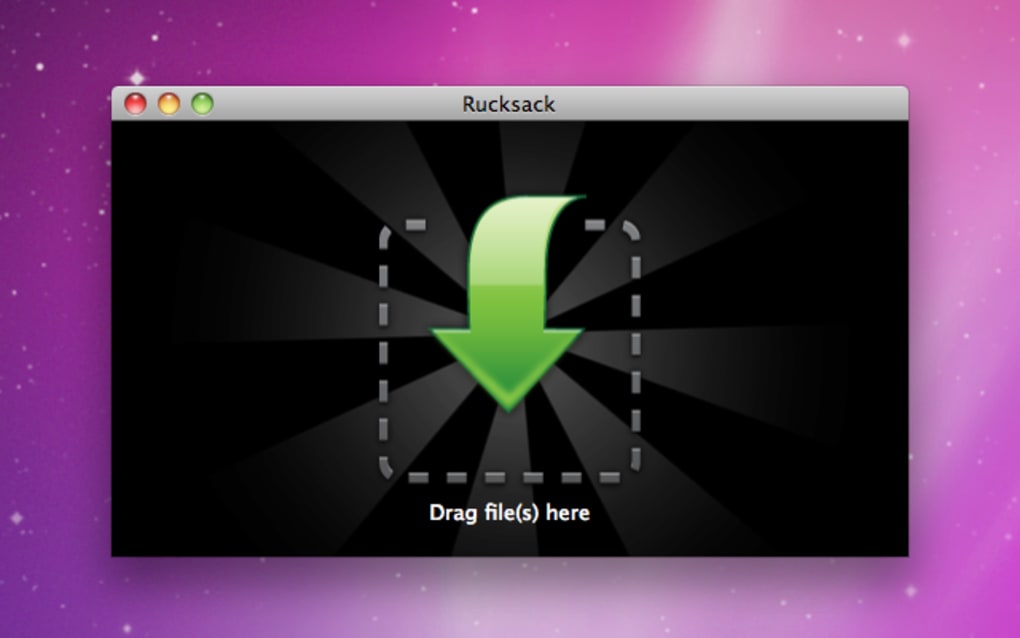

Easy to use compressor, archiver and splitter There are more and more archive tools for the Mac nowadays meaning that if you're not happy with Stuffit! you don't have to stick with it. Rucksack is aimed at those that want a no fuss but effective archiver that supports dragging and dropping of files.
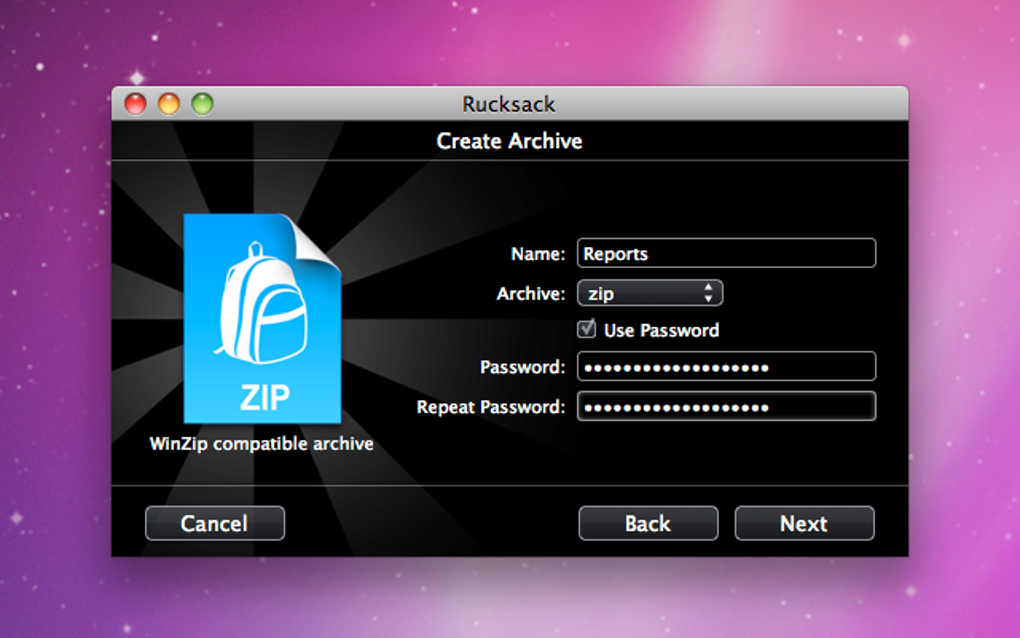
There's no need to worry about setting formats - just drag and drop your files into Rucksack and it takes care of the rest. For those worried about security, Rucksack also allows you to set a password to access archives and all files are encrypted. You may also like 4 Trial version Archiver Flexible extractor to unzip your files 4.8 Free VeraCrypt Get free disk encryption with VeraCrypt 2.7 Free WinRAR Popular compression software for macOS If you're in a situation where one of your files is too big to send by e-mail, then Rucksack allows you to split an archive too.
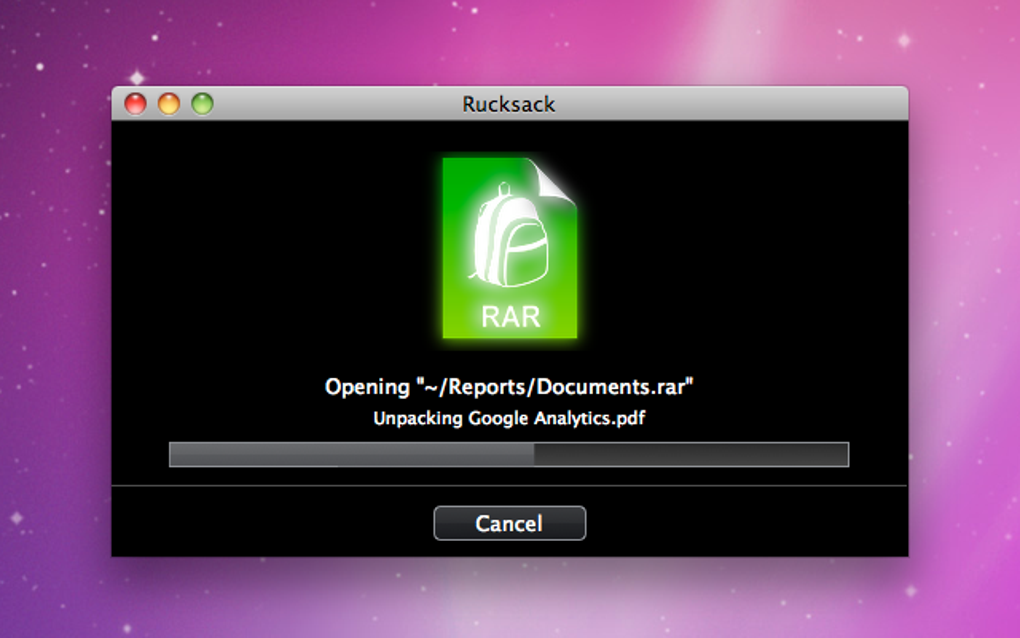
Although Rucksack supports most major formats, it doesn't support them all.The main formats it supports are RAR, 7zip, StuffIt (only sit, sea file extensions), Gzip, Bzip2, Tar, Apple Disk Images (DMGs), and Zip which should satisfy most needs. Most recently, the developer has added a much needed preview function so you can see archive contents before decompressing them. Rucksack is a very neat little archive tool.
It's a shame however that it doesn't integrate with the context menu or allow you to preview archive contents but once these are added, it will be an excellent tool. Changes This update adds popularly requested features, including extracting multiple archives and an option to delete archives after extraction. This update also fixes a number of bugs.
The changes in detail:
• New: Extract multiple archives at once
• New: Option to delete archive after extraction
• New: Option to show output files in Finder
• New: Growl notifications
• Fixed: Crashes when splitting and combining very large files
• Fixed: Can't create archives when installed in path with spaces
• Fixed: Crashes when creating an archive with many files This update is recommended for all users.







